
USB-C Earphones Bulk Order: How to Check Phone Compatibility Before You Order
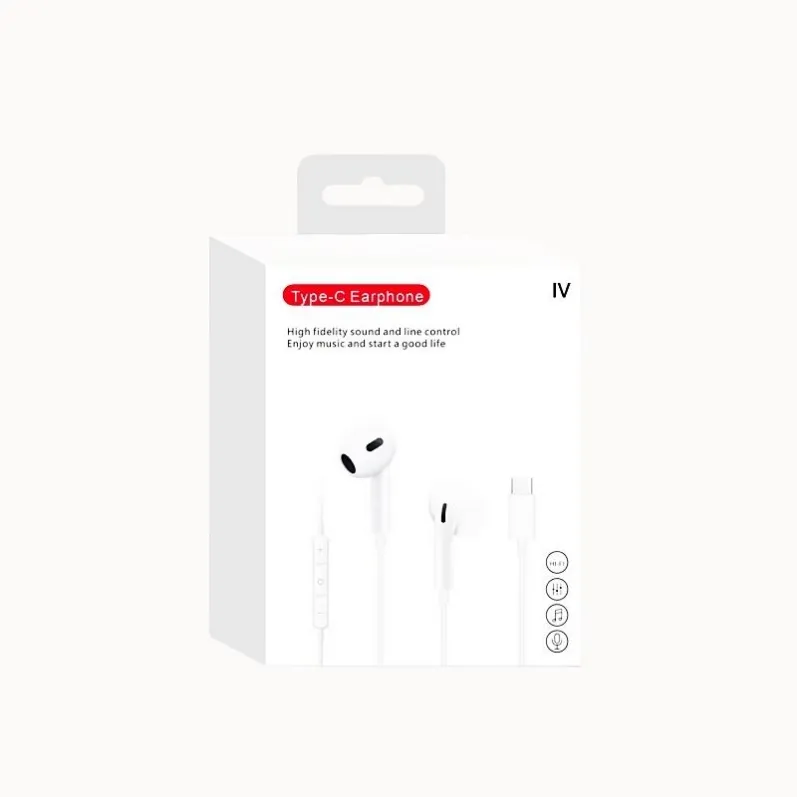
A USB-C plug fits every USB-C phone. That is the whole trap.
A buyer tests a sample on their own phone, hears clear audio, places a bulk order — and then the complaints arrive. The earphones are silent on a customer's Samsung Galaxy. They are not recognized on a Pixel. The buyer did nothing wrong in testing; they tested on one phone, and USB-C audio is not the same on every phone.
For a reseller, this is the most expensive kind of failure: the product is not broken, the customers are not wrong, and the returns still come back to you. The fix is a compatibility check done before the order. Here it is, in four steps.
Why a USB-C Earphone Can Fail on a Perfectly Good Phone
"USB-C" describes the shape of the connector, not one audio standard. Some phones output digital audio and need the earphones to carry a built-in DAC — a digital-to-analog converter. Others output analog audio and expect a passive connection. Wrong type on the wrong phone means silence, an "unsupported device" message, or music that plays while the microphone refuses to work.
Samsung's own support guidance says some Galaxy models require a USB-C adapter with a built-in DAC; Google's Pixel pages tell users to confirm a device supports USB-C digital audio. Buyer reports show the same pattern: an earphone that works on one Android phone does nothing on another, and users end up returning the ones that fail.
We explain the DAC-versus-analog difference in full in our Type-C compatibility guide. You do not need to re-learn the electronics to buy safely — you need a process that catches the mismatch while it is still a sample problem, not a 1,000-unit problem.
Step 1: List the Exact Phones Your Customers Use
Compatibility is not a yes-or-no property of an earphone. It is a property of an earphone plus a phone model. So the check starts on your side, not the factory's.
Write down the 5–10 phone models your customers most commonly use, with the exact model name — not "Samsung" but "Galaxy S23", not "Pixel" but "Pixel 8". Pull the list from your sales data, your store's repair counter, or your reviews and support messages.
Include iPhone 15 and later, now that Apple has moved to USB-C. And include older and mid-range models, not just flagships: budget phones are where compatibility surprises hide.
This list is the acceptance standard for the whole order.
Step 2: Specify the Version in Your RFQ — Not Just "USB-C Earphones"
An RFQ that says "USB-C earphones, 1,000 pcs" gets you a price, not the right product — the factory has to guess which USB-C audio version you mean. Put this in the RFQ instead:
- Digital audio with a built-in DAC. State explicitly that the earphones must work on phones that output digital audio only — the version that works on the widest range of current phones, including Pixel and recent Galaxy models.
- Your phone list, attached. Ask the factory to confirm compatibility for each model in writing — not "compatible with Android" but "confirmed on Galaxy S23, Pixel 8", and so on.
- Microphone and in-line remote included in the test. Music playing is only half the product: buyers report cases where audio works but calls do not, or the volume buttons do nothing. Specify that the microphone, call handling, and remote buttons must be tested on the listed phones too.
- The model you are quoting. A named model removes ambiguity. Our EM-F4C is a DAC Type-C wired earphone built for this use case, and our EM-F3C is a half in-ear Type-C option with no ear tips — one size fits all.
If a supplier cannot confirm compatibility per model, widen the sample test in Step 3, or look for a supplier who will.
Step 3: Test Samples on Real Phones, Not Just One
Order samples first — standard models ship from 1 piece, and samples arrive in 5–7 days. Then test each sample:
- Play music on every phone on your list — both earbuds, left and right, at normal and low volume.
- Make a call on every phone — the microphone must pick up your voice and the other side must hear you clearly.
- Press every button — volume up, volume down, play/pause, and call answer must all respond on each model.
- Unplug and replug — the earphones should be recognized immediately every time, with no restart and no settings change.
- Try a second unit from the same sample batch — one good unit does not prove the batch.
Write down the result per phone model — pass or fail, with a note on what failed. If a model fails, tell the factory which model and what happened, and ask for a corrected sample before any bulk order. A supplier who fixes a sample problem quickly is one you can trust with a bulk order; a supplier who waves it away is telling you how the bulk order will go.
Step 4: Put Compatibility in the Order Terms
A compatibility problem discovered after delivery is a negotiation. The same problem discovered before delivery is a specification. Before you confirm a bulk order, agree on three things in writing:
- The golden sample is sealed against your phone list. Keep one approved sample as the reference: bulk goods must match it on the same phone models — same sound, same microphone behavior, same remote function.
- Acceptance testing uses your list. The factory's pre-shipment check should include a function test on the phone models you named, not just a generic sound check.
- A failed model has a defined remedy. Agree in advance what happens if a delivered batch fails on a listed model — replacement, rework, or return — so the conversation after delivery is about the agreed remedy, not whose fault it is.
Non-customized bulk orders ship in 3–7 days, so there is no reason to rush past this step. The days spent confirming compatibility cost far less than a shipment your customers cannot use.
Frequently Asked Questions
Do I need to test on every phone model in the world?
No. Test on the models your customers actually use — your top 5–10. That covers most returns, and it is a test you can finish in an afternoon.
If an earphone works on my phone, will it work on my customers' phones?
Not necessarily. One phone proves one combination. Your customers' phones are the combinations that matter.
What about customers still on Lightning iPhones or 3.5mm phones?
They are a different product decision, not a compatibility failure. If a meaningful share of your customers uses iPhone 14 or earlier, stock a Lightning version alongside the USB-C line rather than hoping an adapter saves the sale — adapters get lost, and a returned earphone costs more than a second version on the shelf.
Check Compatibility Before You Order, Not After You Sell
USB-C earphones fail in bulk for a boring reason: nobody checked them against the buyer's real phone list before ordering. List the phones, specify the version in your RFQ, test samples on real phones, and write compatibility into the order terms.
Ready to start with samples tested against your customers' phones? Get a Quote — send us your phone list and target quantity, and we will confirm the model, the version, and the lead time. Or message us on WhatsApp at +86 135 3021 9863.