Type-C Earphones with DAC Chip Wholesale for Phone Stores: How to Stock Models That Work on Every Customer's Phone
A buying guide for phone stores on wholesaling Type-C earphones with a real DAC chip and verifying compatibility before stocking up.
A customer walks into a phone store, buys a pair of USB-C earphones, walks out, plugs them into their phone — and hears nothing. They come back the same day. The store refunds or replaces the pair, the earphones go back into a drawer, and the store has lost the sale, the margin, and a little bit of trust.
For a phone store, this is not a rare defect. It is the predictable result of stocking the wrong kind of USB-C earphone. A USB-C plug fits every USB-C phone, but it does not guarantee sound on every USB-C phone. The difference is a small chip inside the earphones — a DAC, a digital-to-analog converter — and whether a wholesale listing actually has one is the single most important question a phone-store buyer can ask before ordering stock.
This guide explains what to ask, what to test, and what to put in writing, so the earphones on your shelf work on the phones your customers actually carry.
An online seller ships to a known customer base and can learn, over time, which phone models their buyers use. A phone store does not have that luxury. Every customer who walks through the door carries a different phone: a Galaxy S23, a Pixel 8, a Xiaomi, an iPhone 15, a two-year-old mid-range model that has never been updated. The earphones on the shelf have to work on all of them, or the store finds out one return at a time.
That is why compatibility is a stocking decision, not a technical detail. A store that stocks a model that works on only some phones is stocking returns. A store that stocks a model verified across the common phone models is stocking a product its staff can recommend without hesitation — and staff who trust the product sell more of it.
The returns also cost more than the refund. A customer who returns earphones often returns the whole idea of buying accessories from that store. The cheapest wholesale unit on the shelf is the most expensive one if it comes back.
"USB-C" describes the shape of the connector, not one audio standard. Some phones output digital audio through the USB-C port and need the earphones to carry a built-in DAC that converts that digital signal into sound. Other phones output analog audio and accept a passive connection. Put the wrong type on the wrong phone and you get silence, an "unsupported device" message, or music that plays while the microphone refuses to work.
A DAC-chip model is built for the digital-audio phones — the version that covers the widest range of current phones, including Pixel and recent Galaxy models. That is the version a phone store should stock as its default. We explain the DAC-versus-analog difference in full in our Type-C compatibility guide; you do not need to re-learn the electronics to buy safely, but you do need to know that "USB-C earphones" on a wholesale listing is not a complete specification.
The problem is that listings are not always precise about this. Some describe a model as "digital" or "with DAC" without naming the chip or the standard it follows. Others sell an analog model under a headline that mentions Samsung and Pixel, and the buyer only discovers the mismatch when customers complain. For a phone store ordering in bulk, the words on the listing are not the verification — the checks below are.
Before you order, ask the supplier to confirm in writing that the model carries a built-in DAC chip and works on phones that output digital audio only. Ask which standard the model follows — USB Audio Device Class compliance is the baseline buyers should look for, and USB-IF certification is the mark that the digital audio path has been tested to a recognized standard.
A supplier who can answer this plainly — naming the chip or the standard — is a supplier who knows their product. A supplier who answers "compatible with Android" has told you nothing: Android covers phones that output digital audio and phones that output analog audio, and a blanket claim covers both while guaranteeing neither.
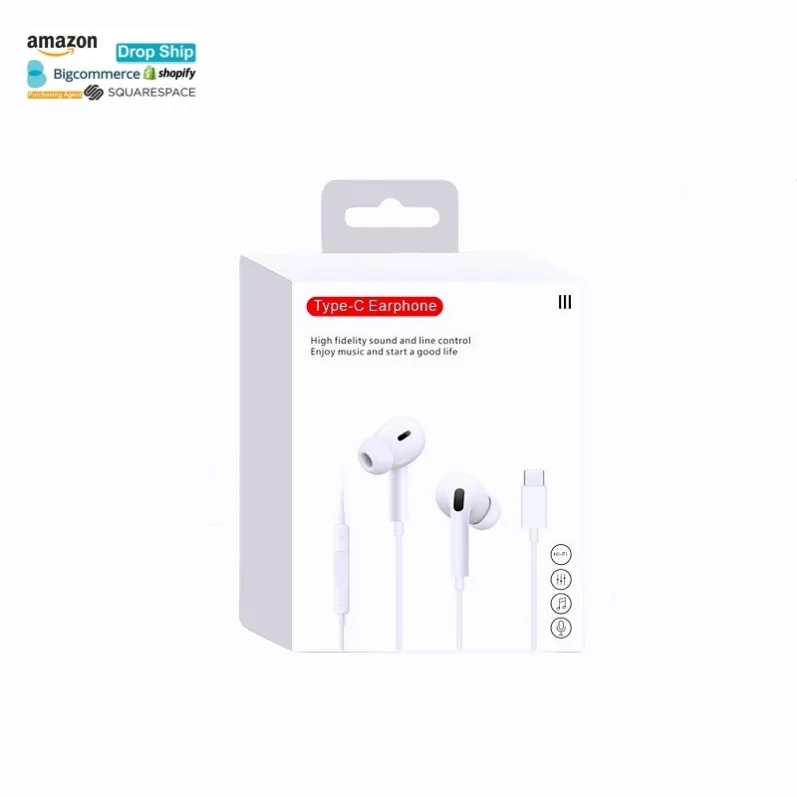
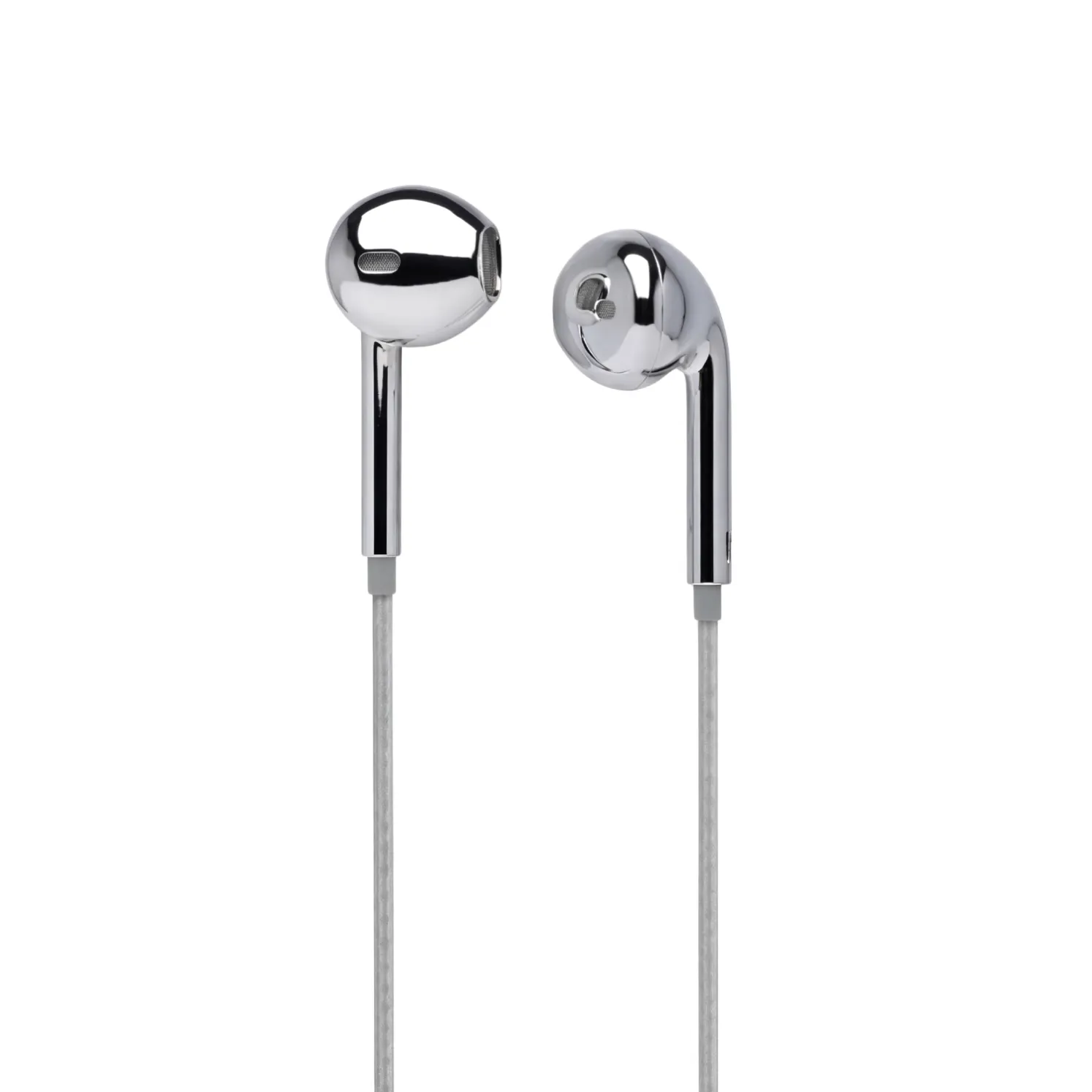
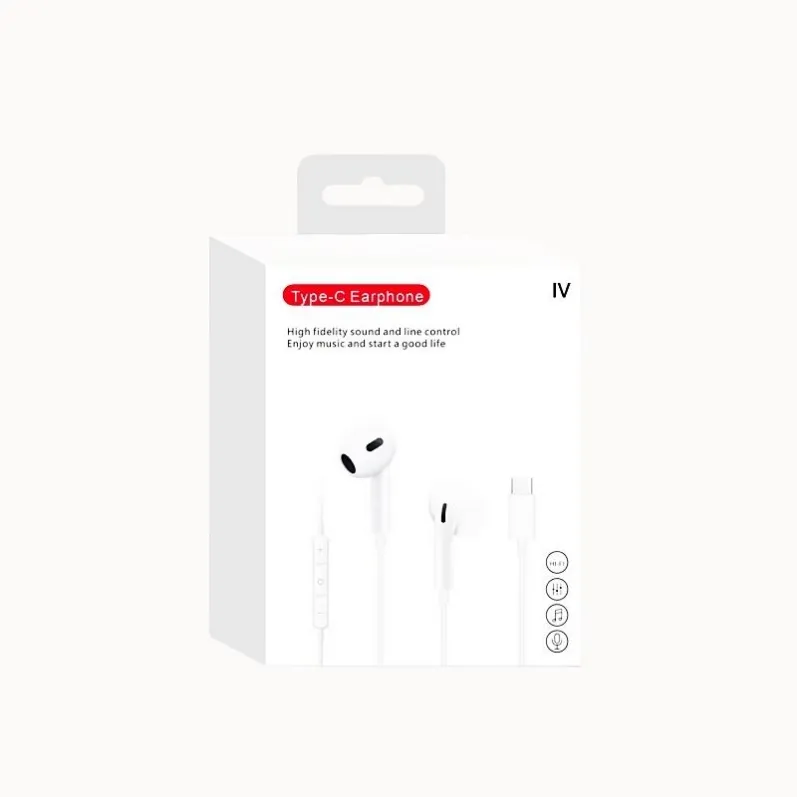
Put the confirmation in the order, not just in a chat message. The model name, the DAC confirmation, and the phone models it was confirmed on should all appear in the written order terms. Our EM-F4C is a DAC Type-C wired earphone built for exactly this use case, and our EM-F3C is a half in-ear Type-C option with no ear tips — one size fits all, which matters when a store serves walk-in customers who cannot try every size.
Compatibility is not a property of an earphone alone. It is a property of an earphone plus a phone model. So the check starts on your side.
Write down the 8–10 phone models your customers most commonly carry. Pull the list from your repair counter, your trade-in records, or simply from watching what customers plug in at the counter for a week. Include the exact model name — not "Samsung" but "Galaxy S23", not "Pixel" but "Pixel 8". Include iPhone 15 and later, now that Apple has moved to USB-C. And include older and mid-range models, not just flagships: budget phones are where compatibility surprises hide.
Send that list to the supplier with your order and ask for confirmation per model, in writing — "confirmed on Galaxy S23, Pixel 8" rather than "compatible with Android". This list then becomes the acceptance standard for the whole order: if a delivered batch fails on a listed model, that is a failed delivery, not a difference of opinion.
Order samples first — standard models ship from 1 piece, and samples arrive in 5–7 days. Then test each sample on the phones on your list, not only on the phone at the counter.
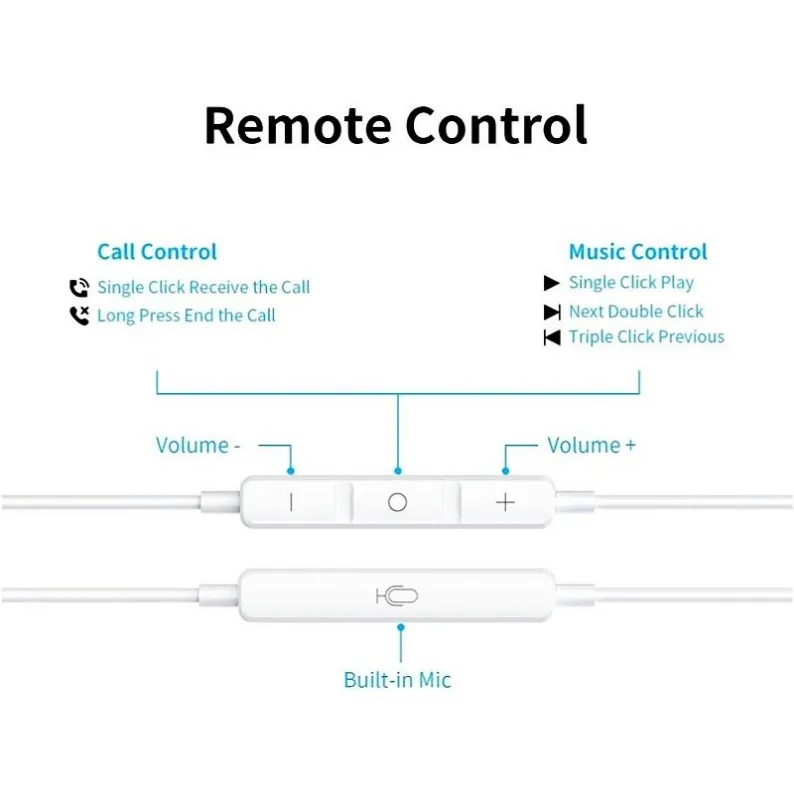
Test music on every phone on the list, both earbuds, at normal and low volume. Make a call on every phone: the microphone must pick up your voice and the other side must hear you clearly. Press every button — volume up, volume down, play/pause, call answer — on each model. Unplug and replug: the earphones should be recognized immediately every time, with no restart and no settings change. And test a second unit from the same sample batch, because one good unit does not prove the batch.
Our full step-by-step version of this test is in the USB-C earphone sample test checklist — microphone, remote, and DAC handshake, before your bulk order. Write down the result per phone model, pass or fail, with a note on what failed. If a model fails, tell the factory which model and what happened, and ask for a corrected sample before any bulk order. A supplier who fixes a sample problem quickly is one you can trust with a bulk order; a supplier who waves it away is telling you how the bulk order will go.
Phone stores do not need a deep catalogue of USB-C earphones. They need two shapes that cover nearly every walk-in customer: a standard in-ear model with ear tips, and a half in-ear model with no ear tips. The half in-ear shape is the one-size option — no tip sizes to stock, no customer who cannot get a seal, no "do you have a smaller tip" conversation at the counter.
Two models also keep your compatibility testing honest. Every model you stock is a model you must verify against your phone list. Ten models means ten verifications, ten chances for a mismatch, and ten slow-moving lines on the shelf. Two verified models, reordered often, beat ten unverified models every time.
Non-customized bulk orders ship in 3–7 days, so reordering a fast-moving model is quick — there is no reason to overstock a model you have not verified just to avoid a reorder.
A compatibility problem discovered after delivery is a negotiation. The same problem discovered before delivery is a specification. Before you confirm a bulk order, agree on three things in writing:
- The golden sample is sealed against your phone list. Keep one approved sample as the reference: bulk goods must match it on the same phone models — same sound, same microphone behavior, same remote function.
- Acceptance testing uses your list. The factory's pre-shipment check should include a function test on the phone models you named, not just a generic sound check.
- A failed model has a defined remedy. Agree in advance what happens if a delivered batch fails on a listed model — replacement, rework, or return — so the conversation after delivery is about the agreed remedy, not whose fault it is.
Standard bulk orders are placed with a 30% deposit and the balance before shipment, which is the normal structure for orders from China. That deposit is exactly why the checks above come first: once the deposit is paid, your leverage is the written specification, not a hope.
Even a verified model will occasionally meet a phone with a damaged port, an unusual setting, or a software quirk. Train staff on the two-minute check before processing a return: try the earphones on the store's own demo phone, then on a second phone. If they work on both, the problem is the customer's phone or settings — a loose port, a disabled audio output, a case blocking the plug — and the staff can help on the spot instead of refunding a good product.
Keep a small log of which phone models generate returns. If one model keeps appearing, add it to your test list for the next order. The log is also useful evidence for the supplier if a pattern points to a batch problem rather than individual phones.
Do my earphones need a DAC chip if my customers mostly use Samsung phones?
Yes, for recent Galaxy models. Samsung's own support guidance says some Galaxy models require a USB-C adapter or earphones with a built-in DAC. Stocking a DAC model as your default covers the widest range of current phones, including Pixel and recent Galaxy models, so one model serves nearly every customer.
How can I tell if a wholesale listing really has a DAC chip?
Ask the supplier to name the chip or the standard — USB Audio Device Class compliance at minimum — and to confirm compatibility per phone model in writing. Then verify with samples on real phones. A listing headline alone is not verification; a named chip plus a passing sample test is.
Should a phone store stock analog USB-C earphones at all?
Only as a second, clearly labelled line for the specific older models that need it — and only if you know exactly which of your customers use those models. For the main shelf, the DAC model is the safer default, because it works on the digital-audio phones that dominate current sales.
What if a supplier cannot confirm compatibility per phone model?
Widen the sample test, or look for a supplier who will confirm. A supplier who cannot say which phones a model works on is asking you to discover the answer through your customers' returns.
Can I start with a small quantity to test sell-through?
Yes. Standard models start from 1 piece, so you can order a small trial quantity, test it on your phone list, put it on the shelf, and watch the return rate for a week before committing to a larger order. Samples arrive in 5–7 days and non-customized bulk orders ship in 3–7 days.
Phone stores do not lose money on USB-C earphones because the earphones are bad. They lose money because nobody checked the model against the customers' real phones before it went on the shelf. Ask for the DAC by name, build your phone list, test samples on real phones, stock two verified shapes, and write compatibility into the order terms. The days spent confirming compatibility cost far less than a shelf full of returns.
Ready to stock a DAC Type-C model verified against your customers' phones? Get a Quote — send us your phone list and target quantity, and we will confirm the model, the version, and the lead time. Or message us on WhatsApp at +86 135 3021 9863.